
Swatches
Shift Cards
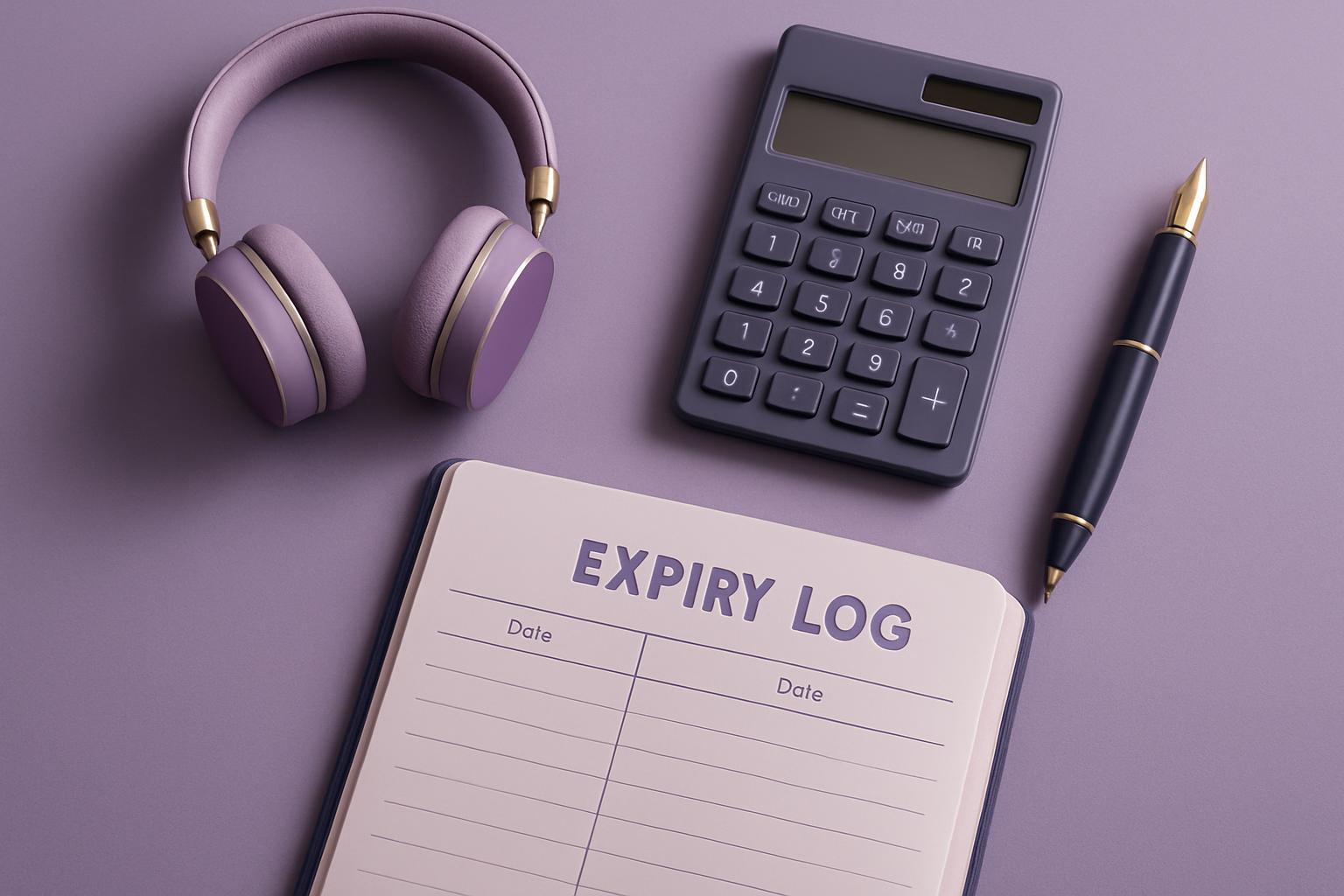
A floor note on handover cards so the next operator knows the profile, heater settings and media loaded.
Shift handovers work better when the next operator can see what changed on the machine.
Shift Cards are written for handover at the printer, not for office filing. The note should show the active profile, current media, heater numbers, and any cartridge concern seen during the run in Gauteng, KZN, or the Western Cape. If you need to refer to the same setup, use the contact form and say it follows your shift cards.
Details that belong on the card
- Shift date and operator name
- Photo of the control panel and print
- ICC profile name exactly as loaded
- Printer model, ink set, cartridge position
A Shift Card works best when it sits next to the matching profile note and cartridge note. One shows the print condition that was accepted, while the other records anything unusual from the ink side. That gives the next operator a starting point before another test run begins.
How Shift Cards support FastJET operator handovers
Shift Cards give the next operator the machine details they need without guesswork. Write down the profile, heater settings and loaded media so production can continue on the same basis.
Record the substrate first, then the print mode, then the heater values. Johannesburg dust, Durban humidity, Cape Town weather swings, and load-shedding can all change how useful yesterday's settings are. A handover card needs to reflect the shop conditions on that shift, not a generic machine preset.
Take the first photo before the machine is touched for the next job. Pin the card near the printer or keep it with the job papers so the incoming shift can compare media, heaters, and result at a glance. That small step often prevents a repeat of head strikes, banding, or wasted vinyl before sunrise.
What the next shift can verify
The handover should leave a readable record of what was running when the operator signed off. That means one profile name, one media description, the heater setpoints, and a short note on whether the nozzle check passed. For a busy print room, a filled card beside the machine is more useful than a long message sent later.
Check Shift Cards against the related Presses note and a Swatches entry before changing too many variables at once. Do a final swatch or nozzle check before a Bellville parcel leaves with the courier, then write the result on the card next to the FastJET, Stormjet, or Skywalker details. ICC work starts from a test print on your usual roll, together with the RIP version you run.
- Notes matched to the active machine
- First test result kept with the card
- Contact details written for the shift lead
Conditions worth writing on handover
A useful Shift Card can mention dispatch pressure around OR Tambo, warehouse timing in Sunnyrock, production demand in Crown Mines, or a tight installation slot at a mall site. Those factors affect whether the next crew should keep the same roll loaded or change over at once. The note should reflect the actual production context, not only the printer menu values.
Coastal moisture can change drying and curing behaviour on the same media. Inland dust can make cleaning frequency, wiper condition, and sensor checks more important between shifts. After a power cut, note whether the first acceptable print was reached before or after the restart routine.
Operated by Astros Marketing (Pty) Ltd from 2 Makro Place, Sunnyrock 1401.
How to file the Shift Card
A floor note on handover cards so the next operator knows the profile, heater settings and media loaded.
Complete the card while the test sheets, heater readings, and cartridge observations are still in front of the operator. Keep it with the job record and the machine notes so the buyer, supervisor, or next shift can see what setup produced the accepted print.
What our Colour Management customers say
Verified Google reviews